Speak. It Becomes a Note.
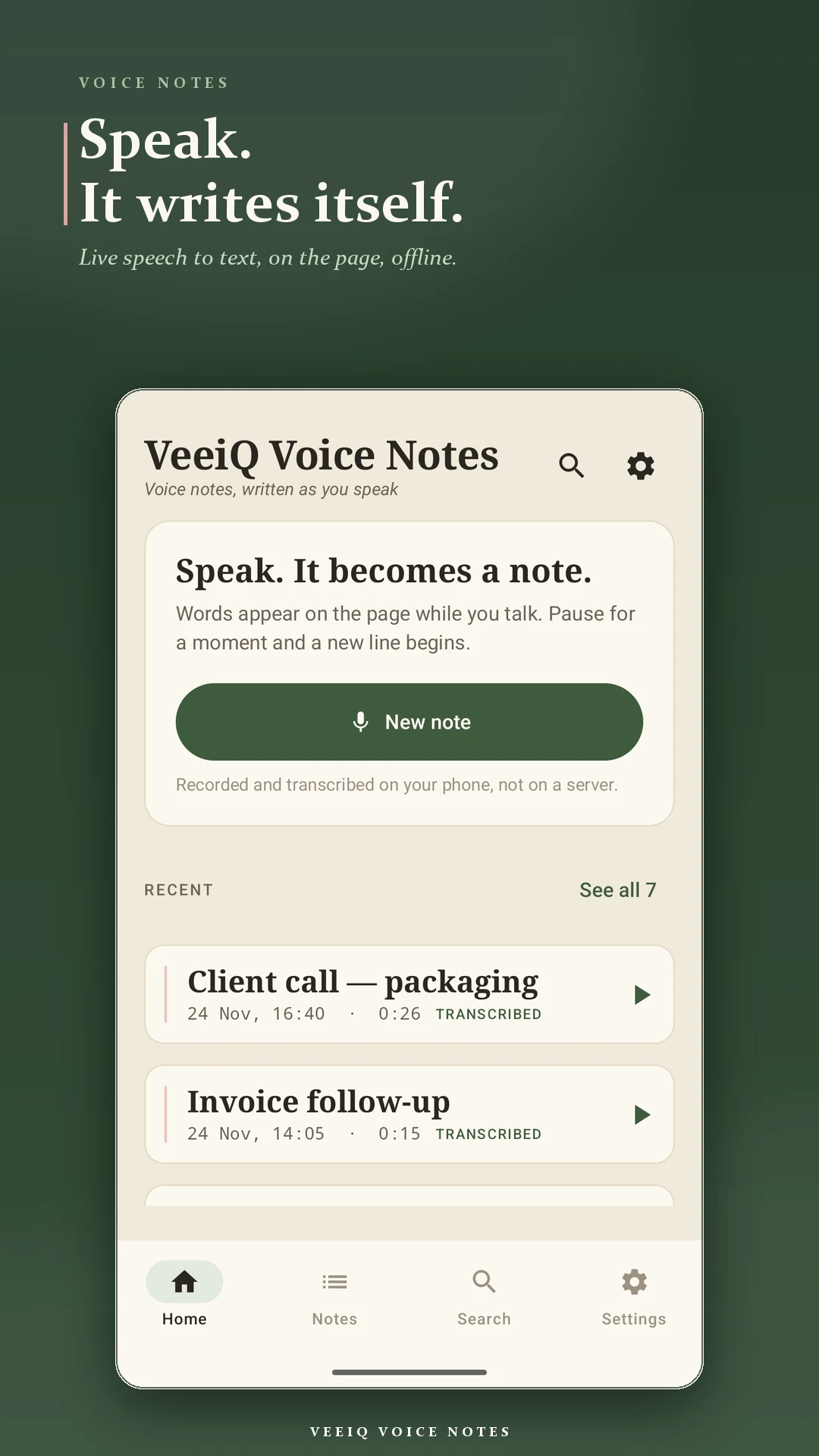
VeeiQ Voice Notes writes while you talk. Words appear on a paper page as you speak, in English or Hindi. Each pause starts a new line, and every line remembers the moment it was said. The recording, the transcript, and the timestamps are saved together — on your phone, not on a server.
100% Free core features, no ads, no account, and no internet permission. Optional one-time Pro unlock for subtitle & Markdown exports. Android 8.0 and later.
What You Can Do With It
Most voice apps record first and make you wait for transcription. VeeiQ Voice Notes shows you the words live as you speak, completely offline.
Write Without Typing
Tap New note and talk. Text lands line by line with punctuation while the recording runs. Perfect for car thoughts, quick lists, or drafting paragraphs in English or Hindi.
Tap a Line, Hear That Moment
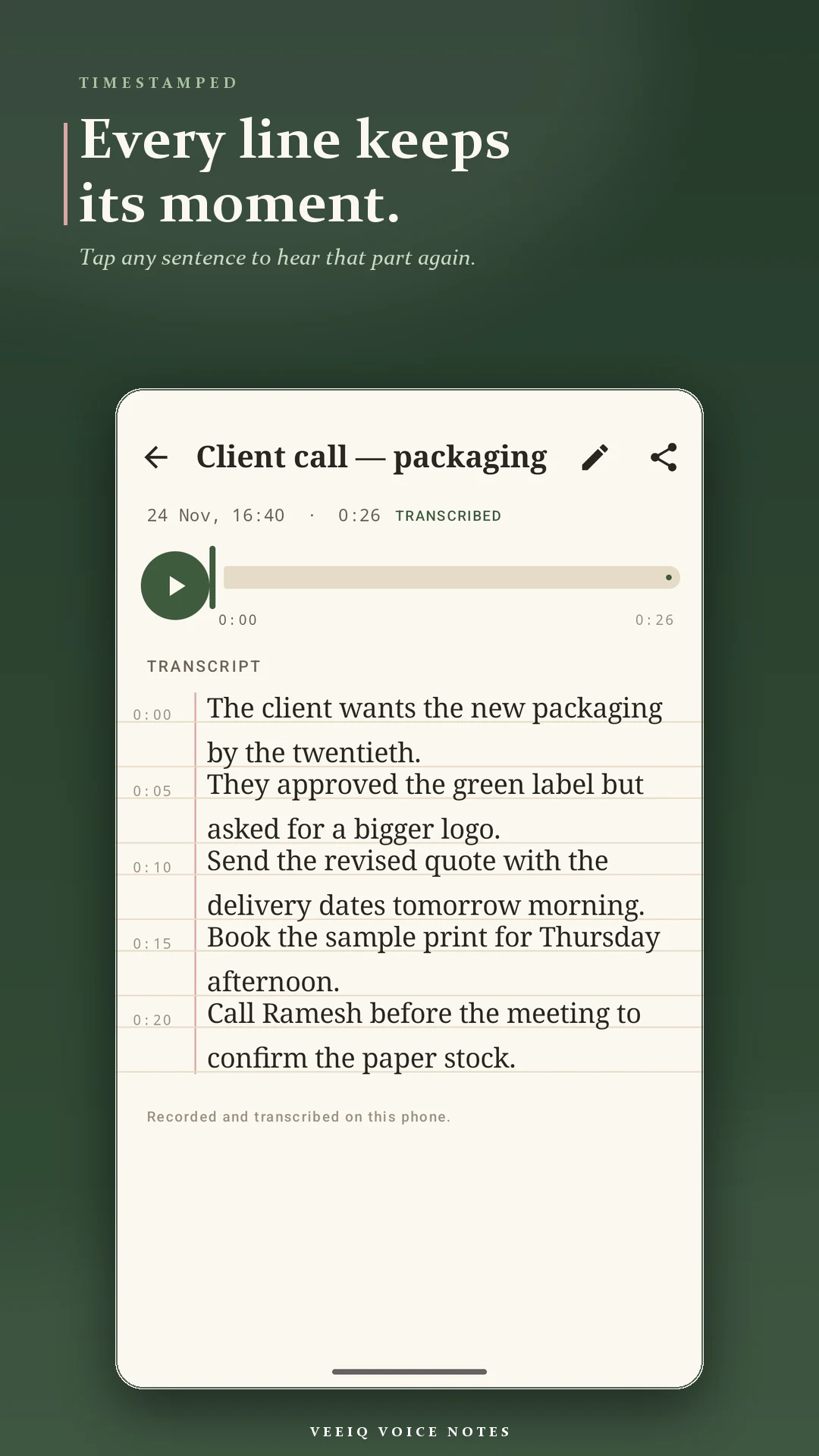
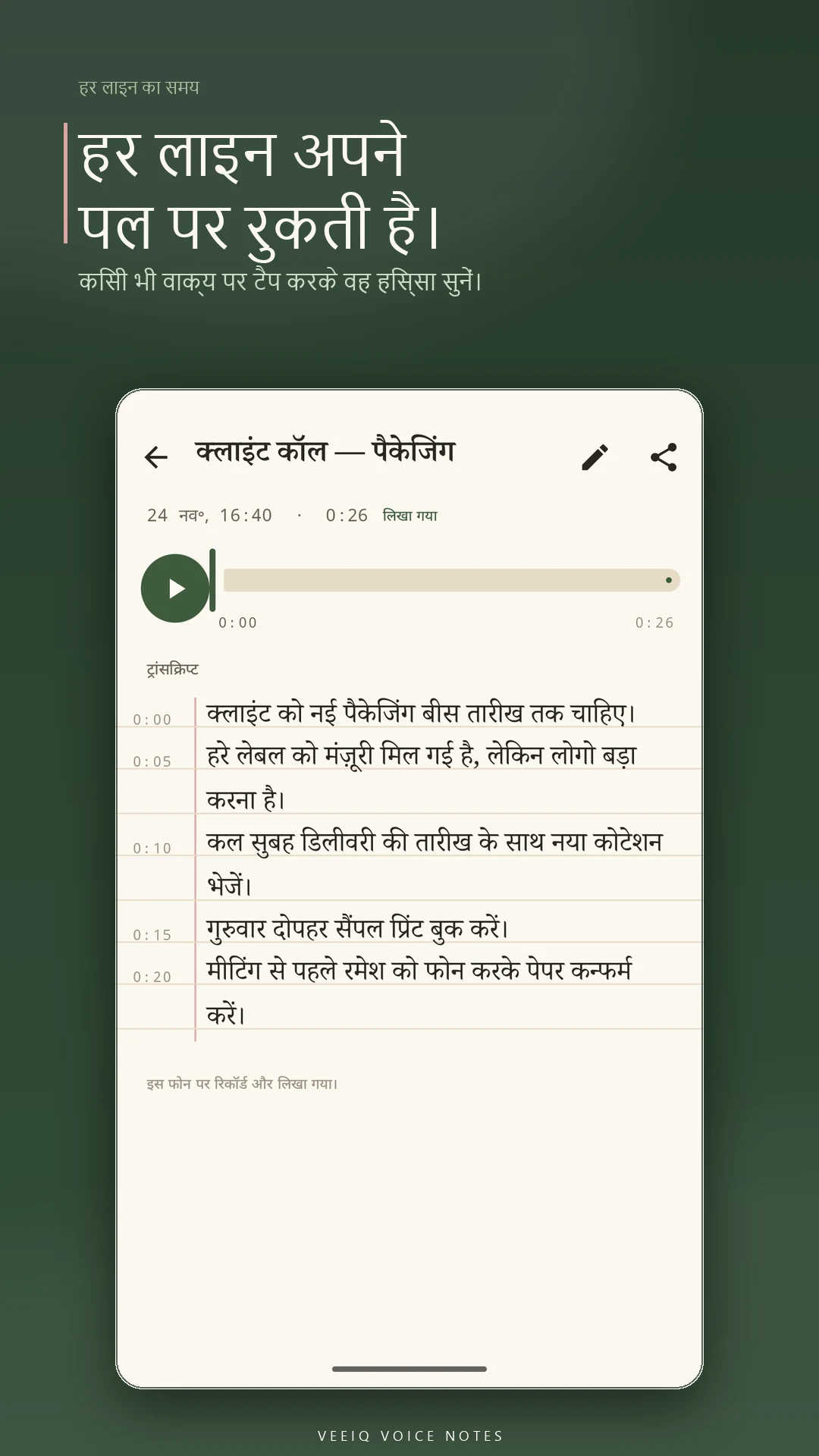
Timestamps sit in the margin. Tap any sentence and audio playback jumps directly to that moment, eliminating the frustration of scrubbing through long recordings.
Search Every Word You Said
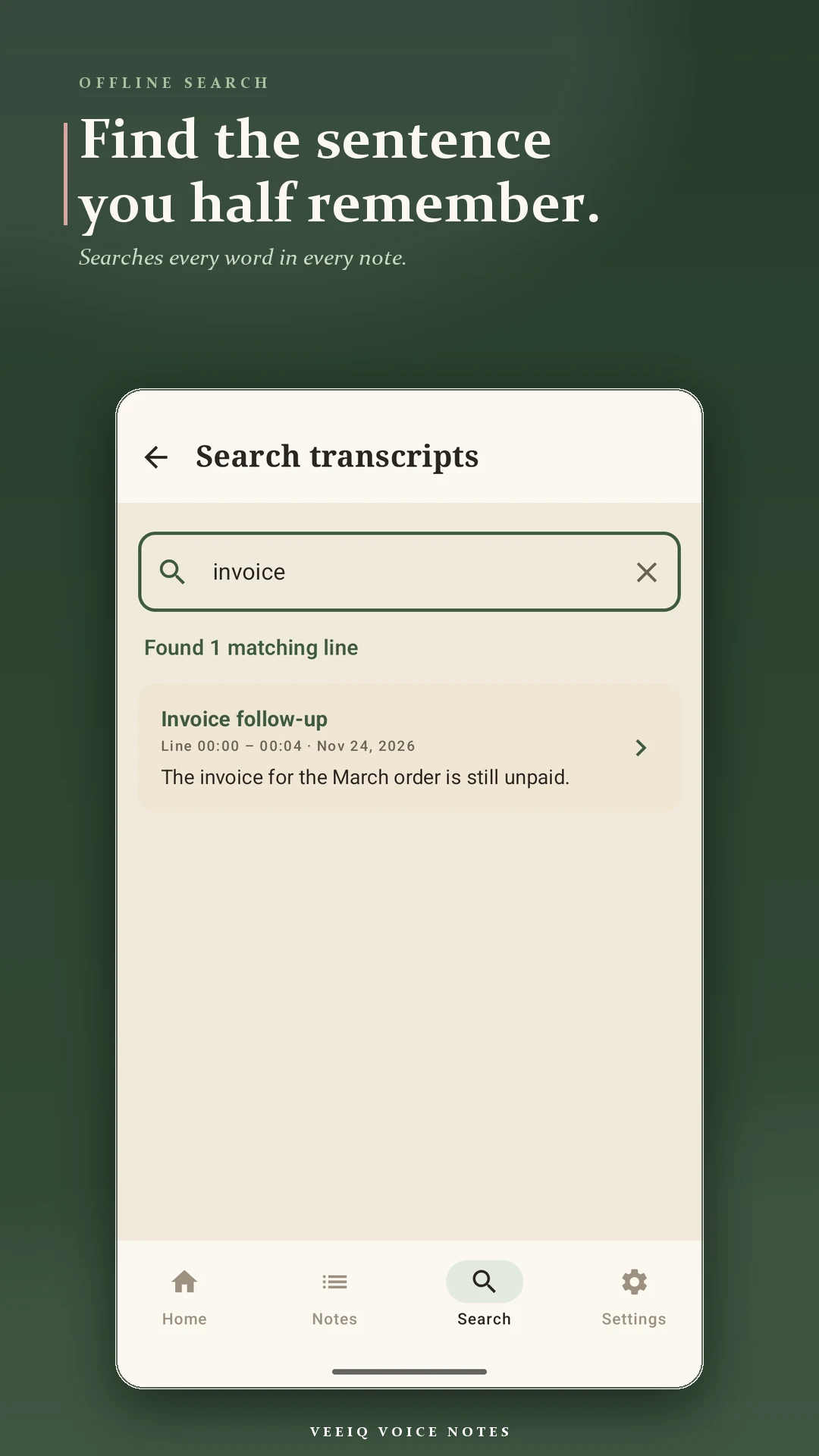
Full-text search queries every stored transcript instantly on your device without an internet connection or cloud index syncing.
Keep the Audio, Not Just the Text
The original voice recording (.wav) is preserved right alongside the transcript for absolute verification of tone and context.
English and Hindi Support
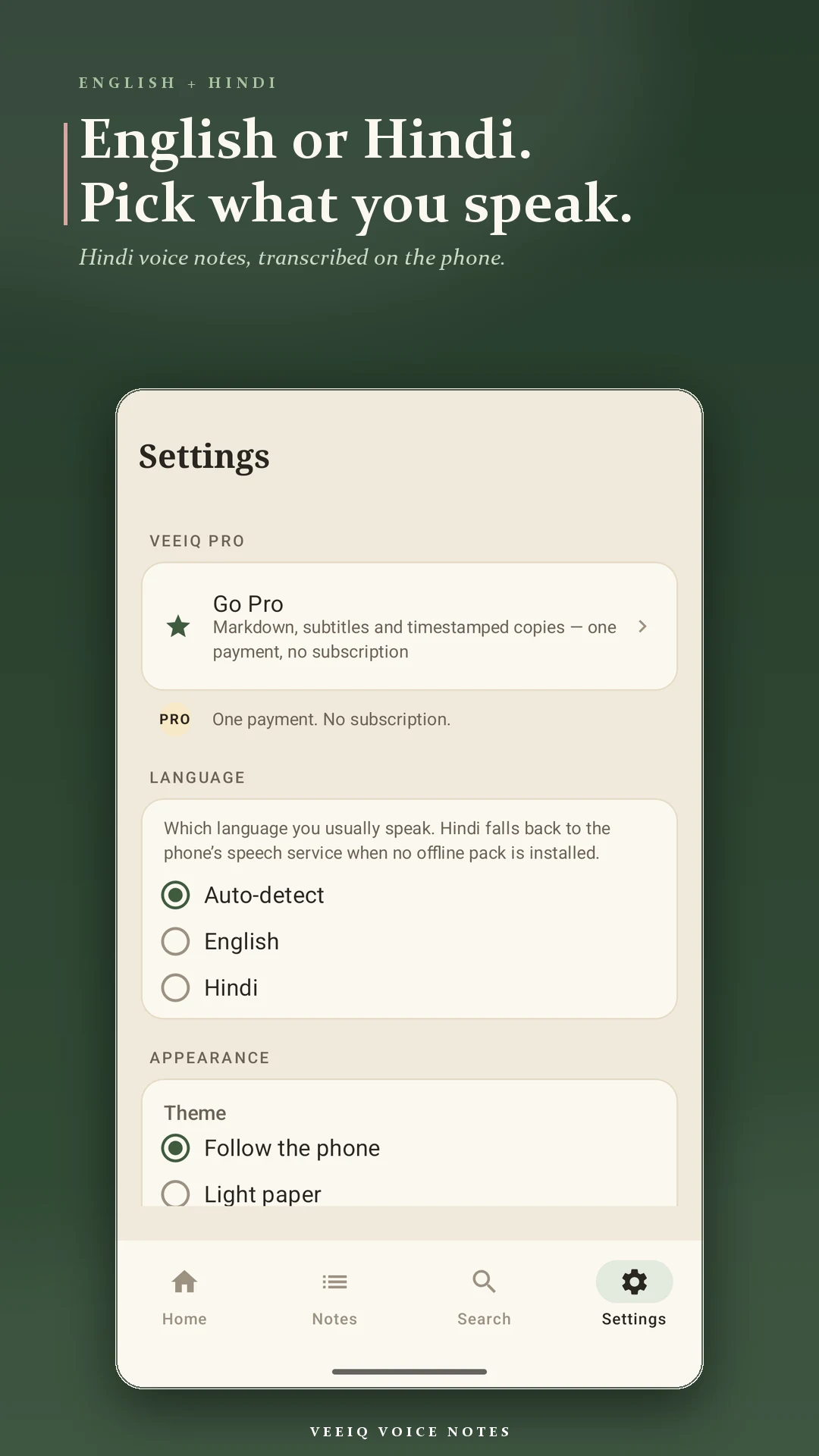
English transcribes completely offline via the bundled speech model. Hindi speech recognition runs on-device when an offline Hindi pack is present, or falls back to system speech input.
Universal Export Formats
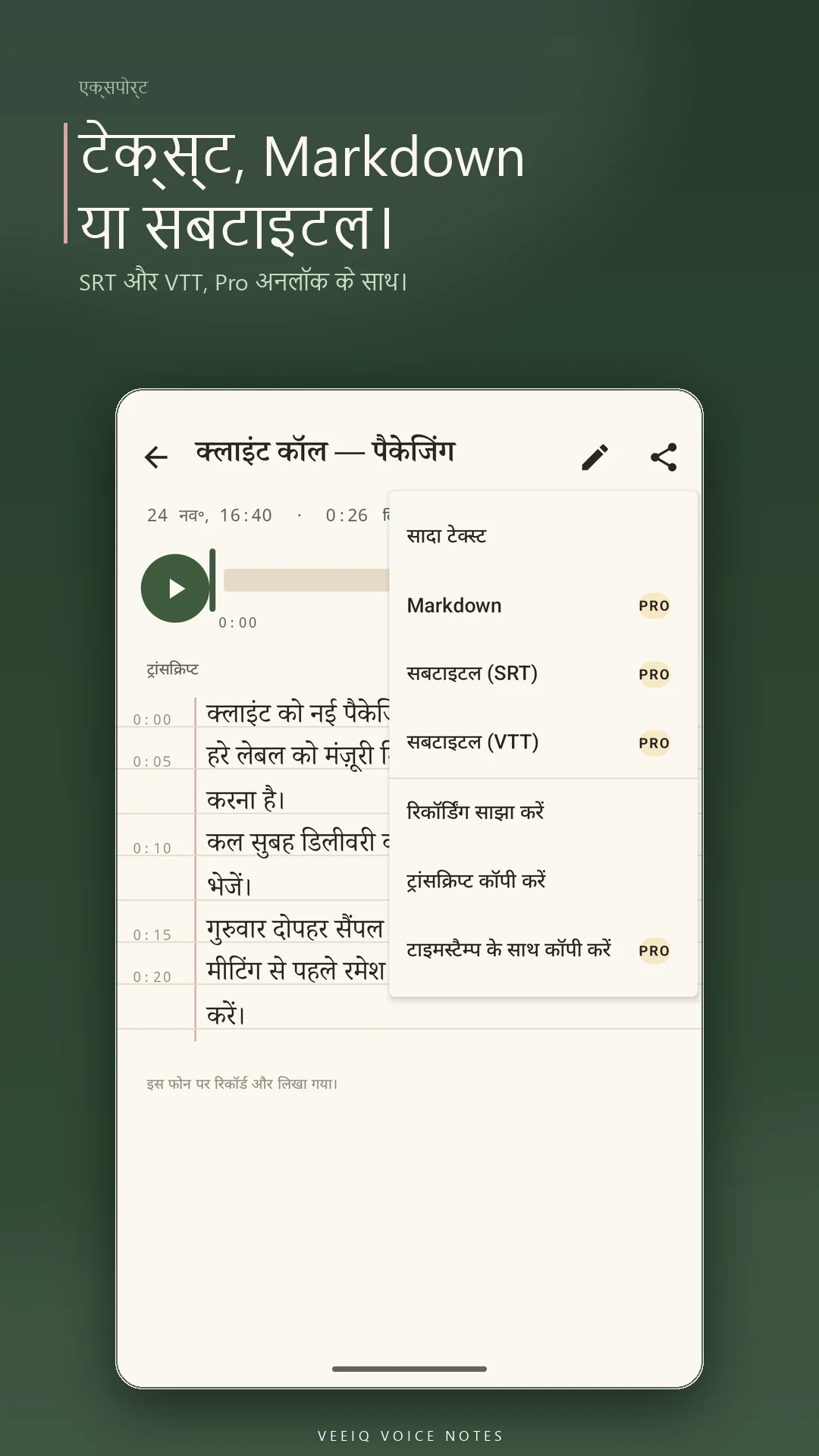
Export cleanly to plain text (.txt), Markdown (.md), SRT and VTT subtitles for video editors, or share the audio recording itself via Android's native share sheet.
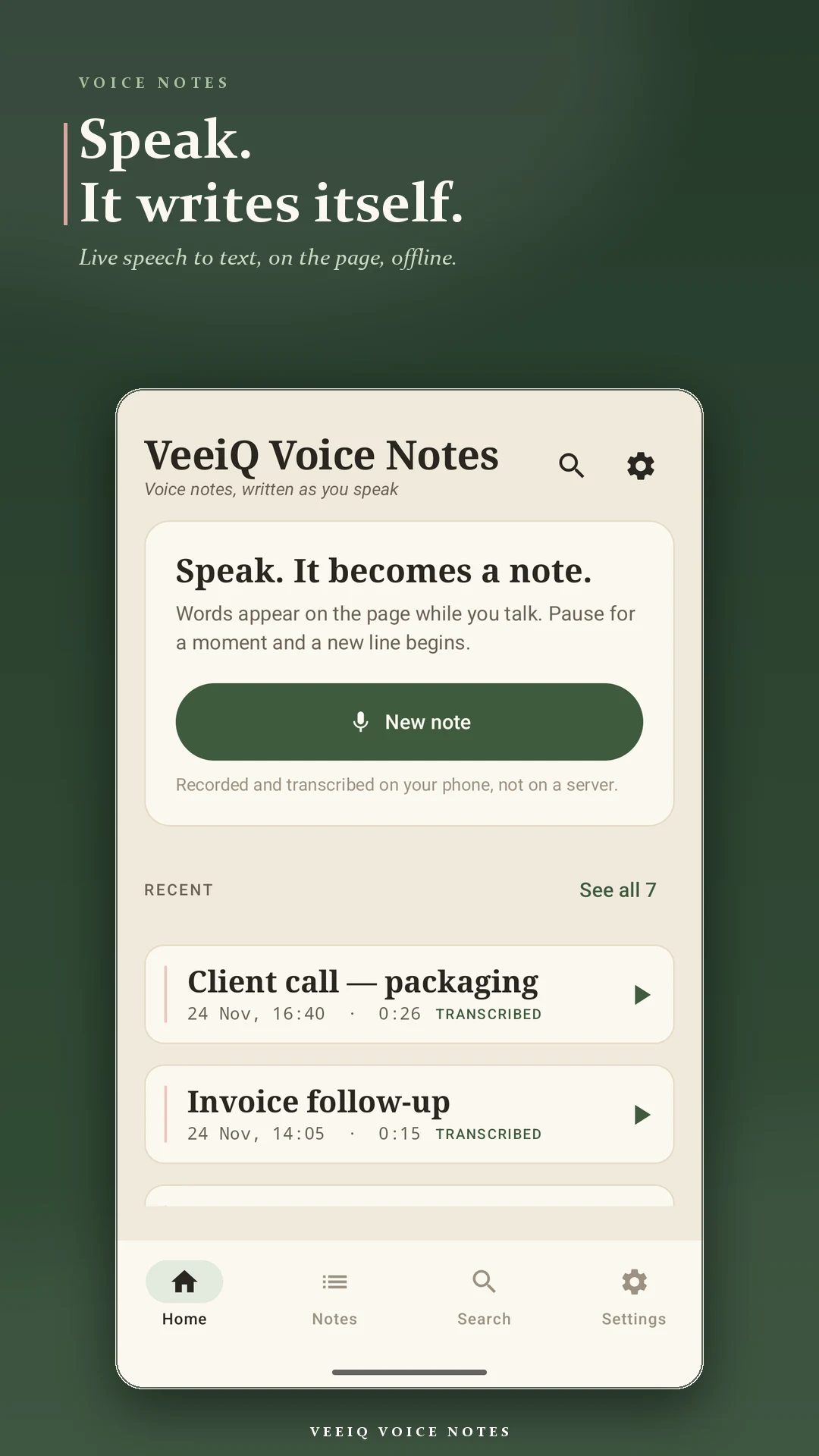
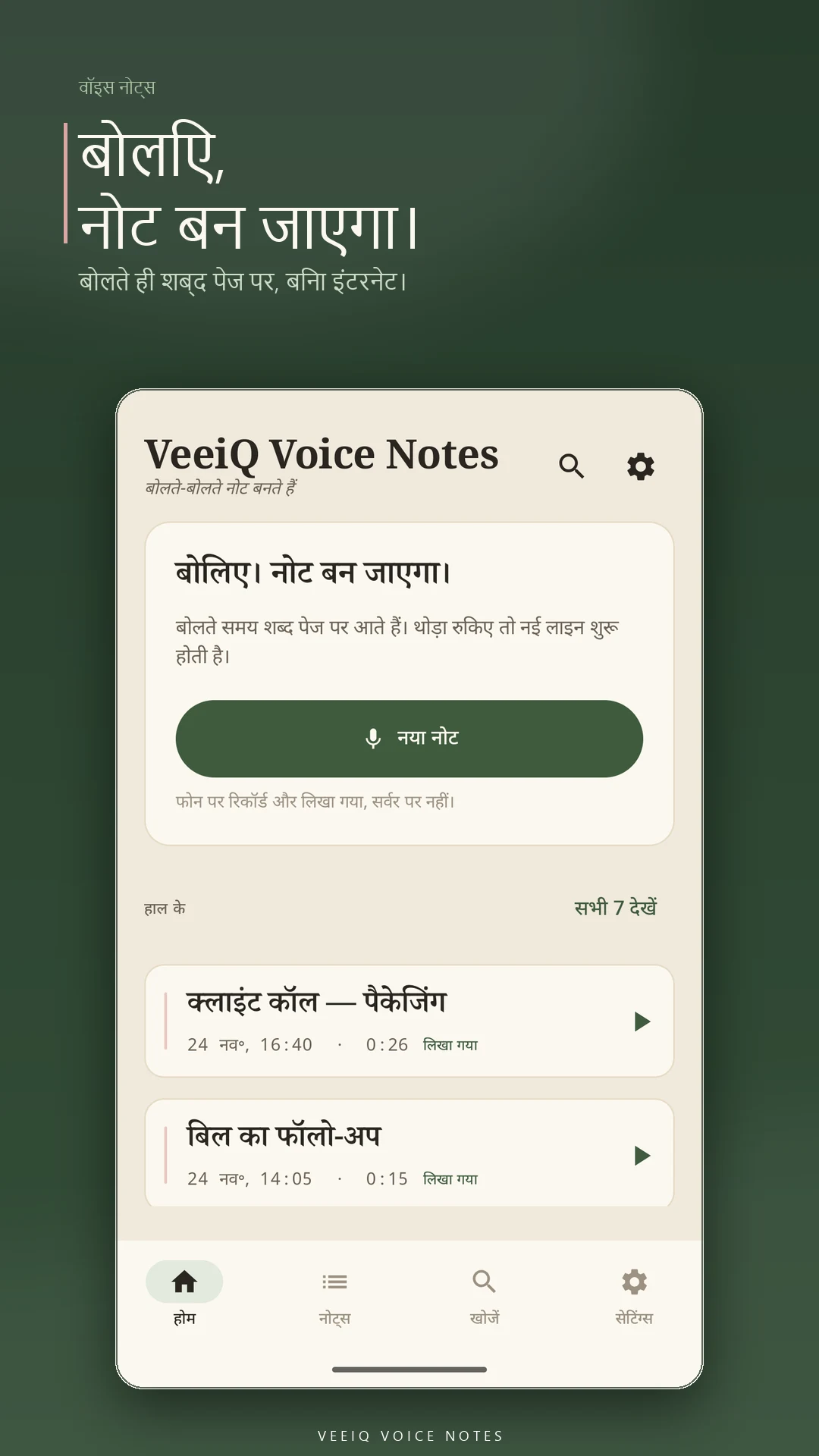
Bilingual Voice to Text in Action
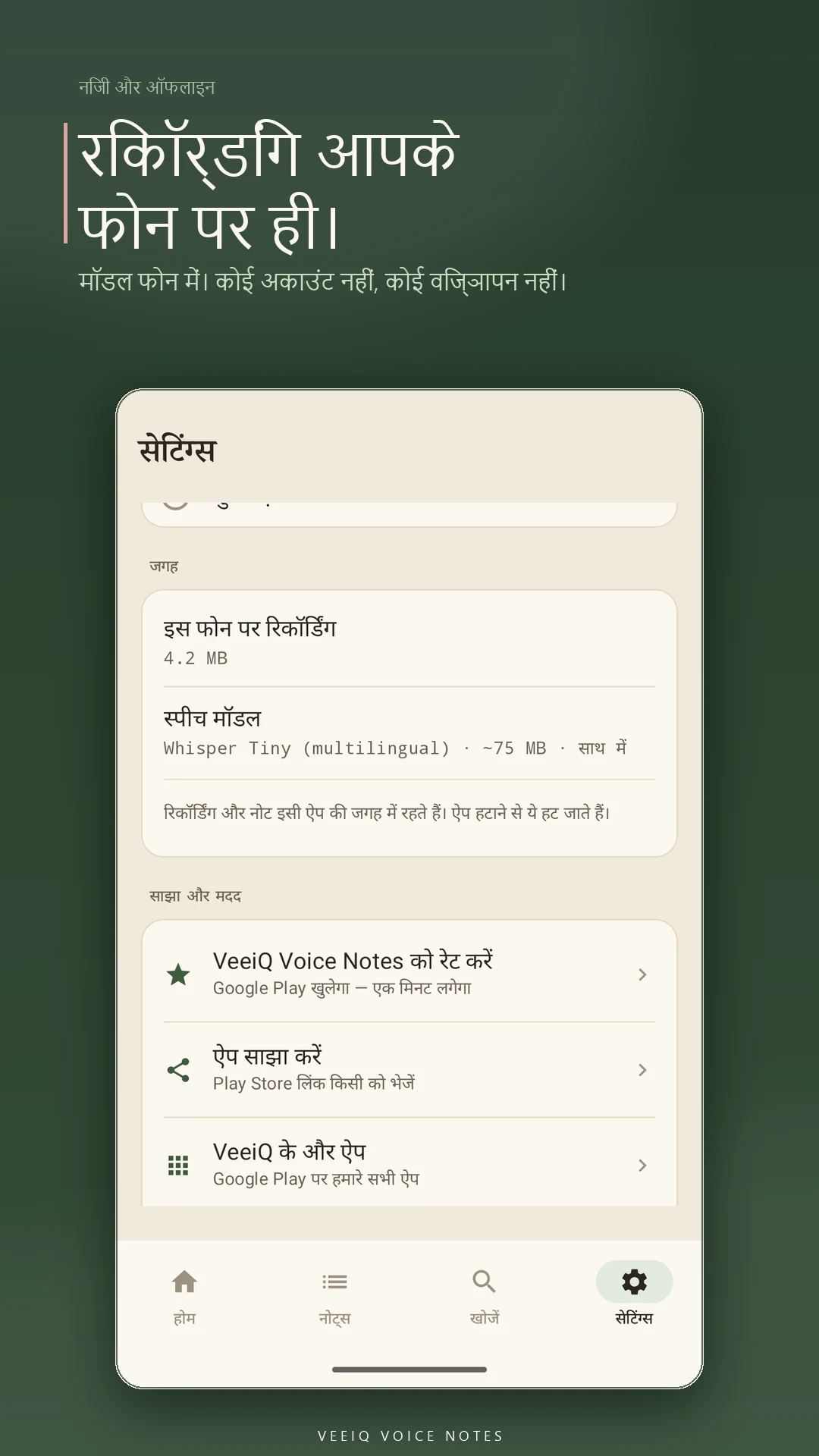
Explore VeeiQ Voice Notes in English and Hindi — authentic device captures showing live transcription, timestamped margins, and private local storage.
One-Time Pro Unlock. No Subscriptions.
Everything that makes the app useful stays free forever: recording, live transcription in English and Hindi, full-text search, and plain text sharing. A single one-time Pro unlock adds advanced creator exports.
- SRT & VTT subtitle exports for video creators
- Markdown document export with timestamps
- Copy-with-timestamps for meeting notes
- Everything else (recording, live speech-to-text, search) stays 100% free forever
- Zero account creation, zero tracking, zero ads
Free vs Pro
- Live speech to text (English & Hindi) — Free forever
- Audio recording (.wav) & tap-to-play timestamps — Free forever
- Offline full-text search across all notes — Free forever
- Plain text (.txt) & raw audio export — Free forever
- SRT & VTT video subtitle export — Pro (one-time purchase)
- Markdown (.md) with timestamps — Pro (one-time purchase)
- Zero ads across both Free and Pro tiers
One-time purchase processed securely via Google Play. No recurring subscription.
Frequently Asked Questions
Does it work without internet?
Yes. English transcription uses an on-device speech model bundled inside the app. Put the phone in airplane mode and it still transcribes live as you talk.
Does it support Hindi?
Yes. If your phone has an offline Hindi speech pack installed, Hindi transcribes on the device. If it does not, the app uses your phone's built-in speech service, which may need a connection and is governed by your device maker or Google's privacy policy.
Where are my notes and recordings stored?
In the app's private storage on your phone. Deleting a note removes both its transcript and its audio recording. Uninstalling the app permanently purges all notes. VeeiQ operates no server and holds no copy.
Can I export my transcripts and audio?
Yes — you can export any note as plain text (.txt) or share the raw audio recording (.wav). Advanced formats like Markdown (.md), SRT and VTT subtitles are unlocked with the optional one-time Pro purchase. Nothing is locked into the app.
How accurate is the transcription?
It uses a lightweight on-device model optimized for clear speech in normal rooms. It is ideal for personal thoughts, meeting notes, lists, and dictation; it is not meant to replace a human stenographer in a noisy conference hall.
Does it record in the background?
Recording continues with the screen turned off through an Android foreground service with a persistent notification. It stops when you tap Done or Discard.
Which Android versions are supported?
Android 8.0 (Oreo) and later, on devices with a 64-bit processor.
Related Guides in the VeeiQ Journal
Deep-dive articles explaining the architecture, privacy model, and science behind VeeiQ Voice Notes.
The Unspoken Risk of Cloud Voice Memos: Why Confidential Thoughts and Meeting Audio Must Stay Offline
Explore the hidden surveillance risks of AI voice memo apps. Learn why cloud audio uploads expose voiceprints and meeting trade secrets, and how to record securely offline.
Offline AI: Private Edge Intelligence
Running language models and optical compilers directly in-memory on modern devices. How edge chips return processing power to hardware without cloud leakage.
The Lost Art of Forgetting
In a world where databases capture every mistake, forgetting is no longer automatic. Exploring the deep human necessity of starting fresh.