

VeeiQ Money
Expense tracking without the nonsense.
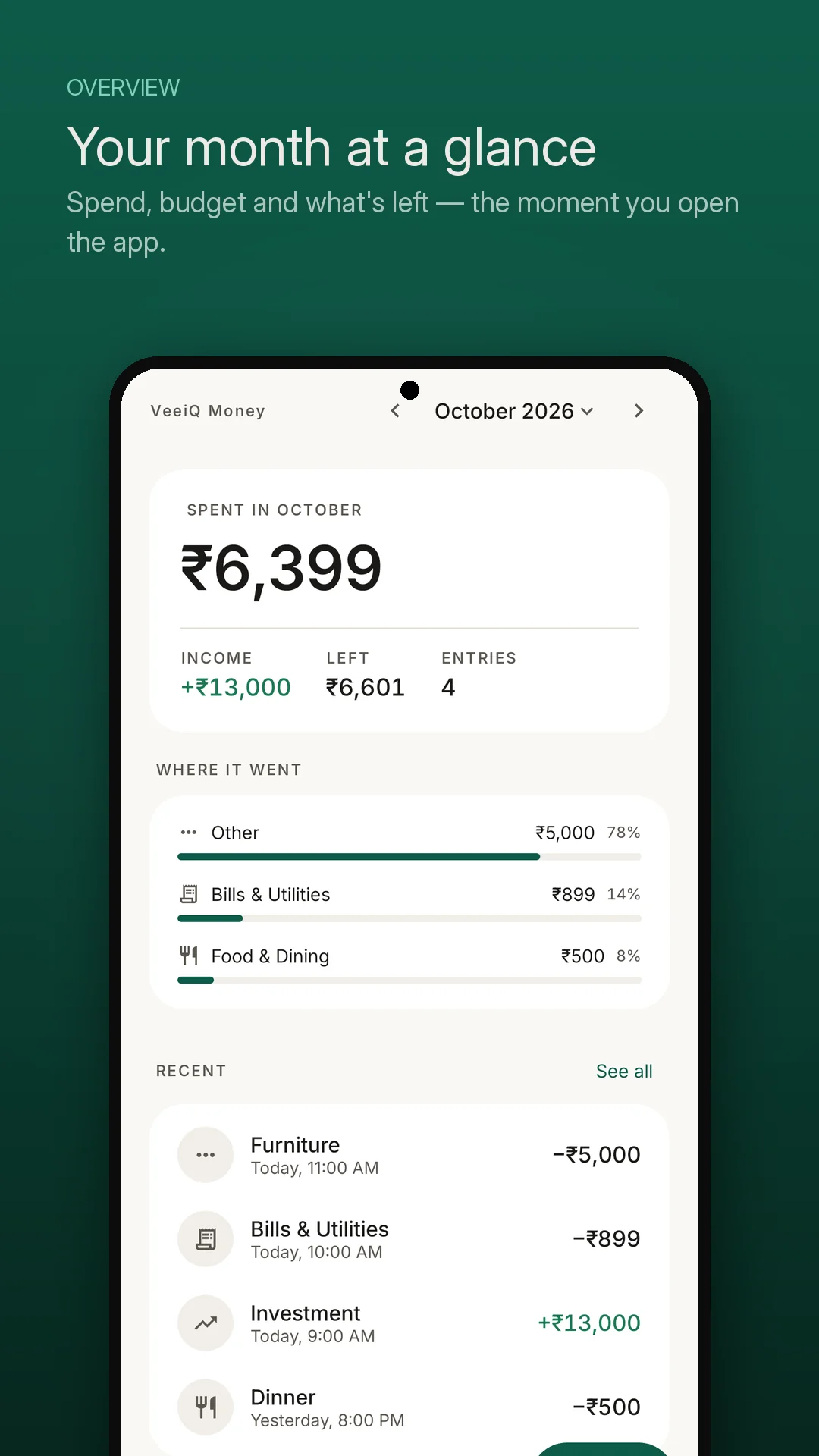
Log expenses and income quickly, understand your monthly spending with plain-language insights, and keep your financial records on your device. No bank logins, no ads, and no account required.

App Highlights
-
✔
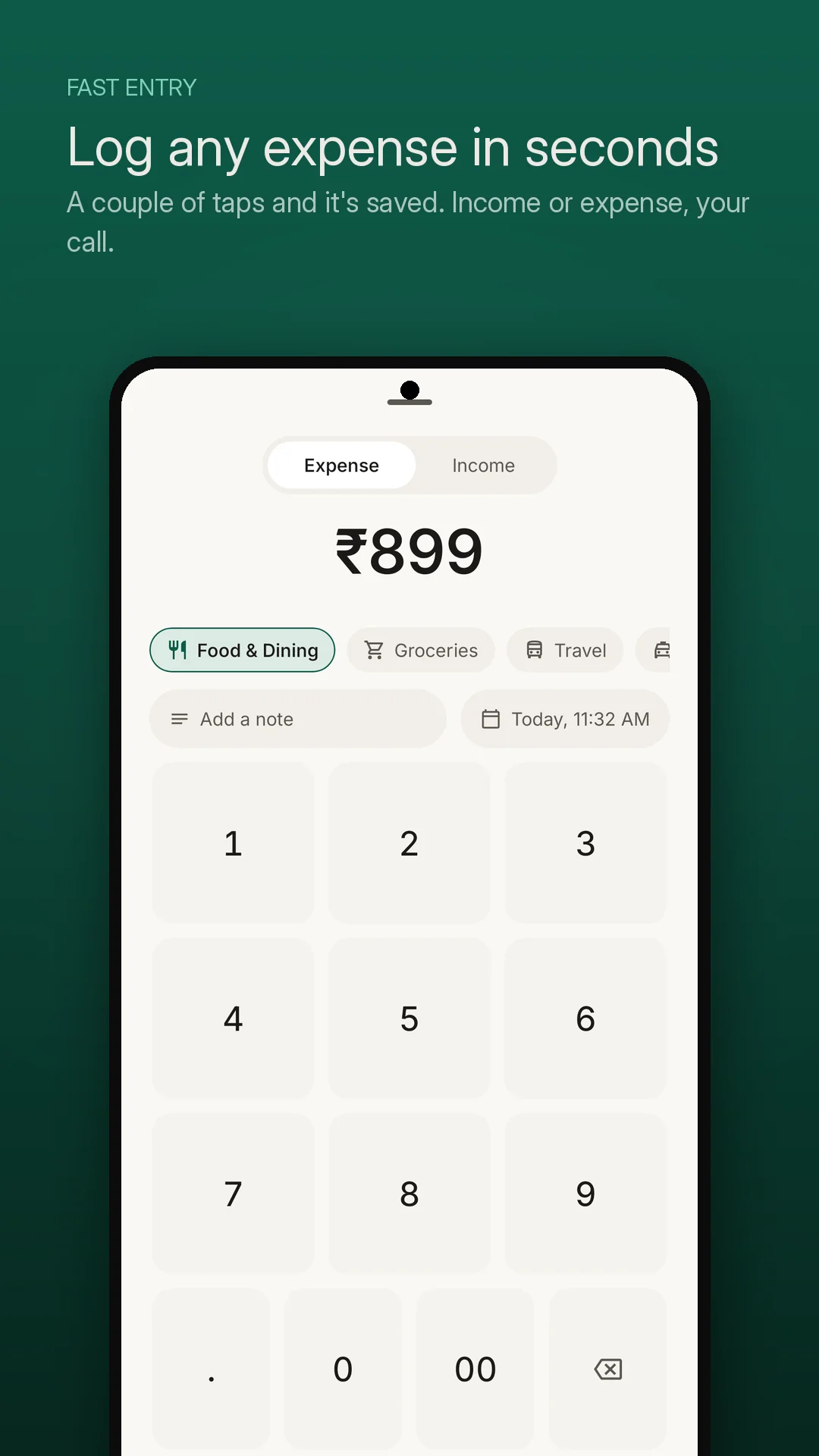
5-Second Transaction Logging Custom numeric keypad, single-tap category pills, and instant notes without friction.
-
✔
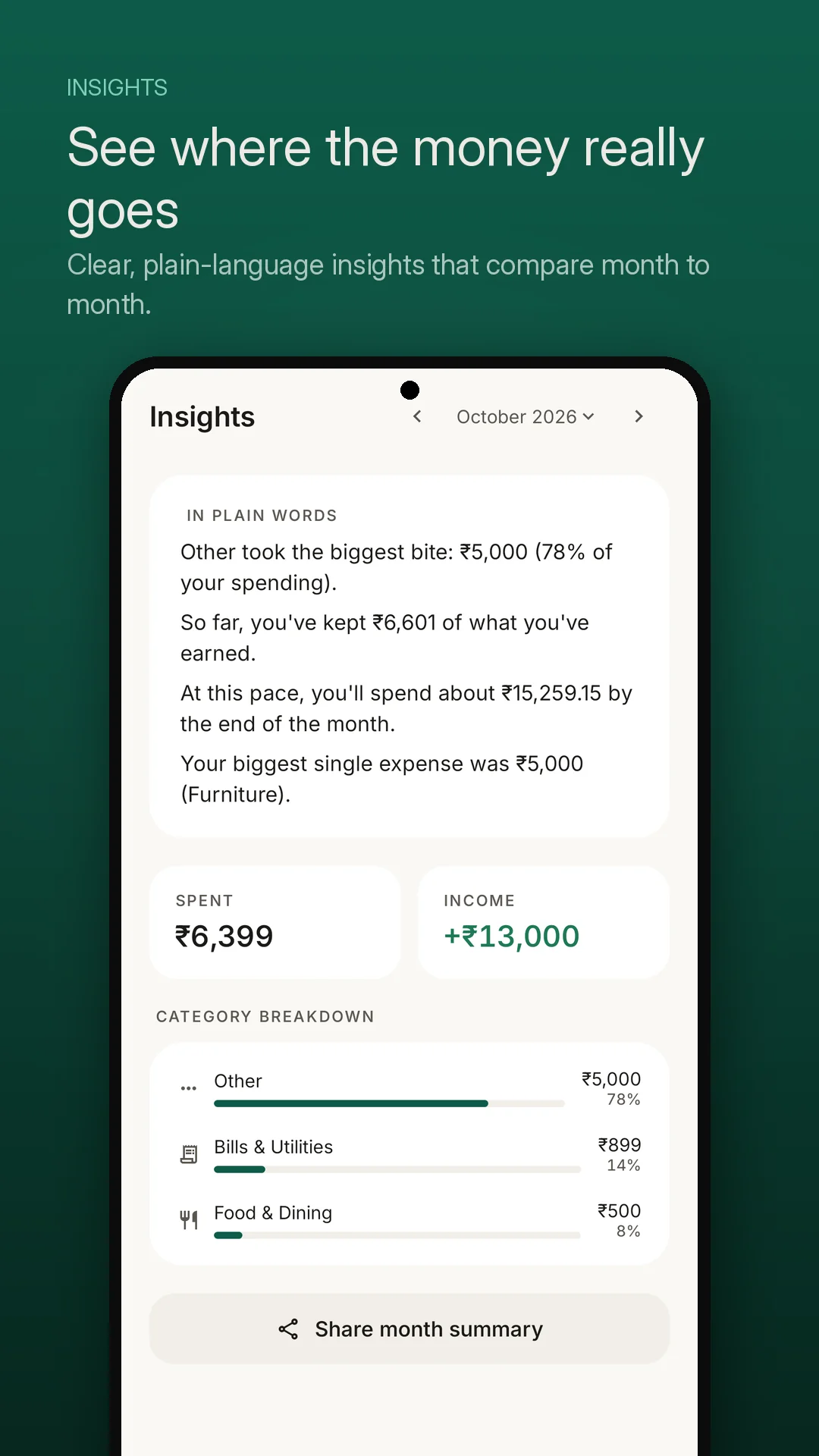
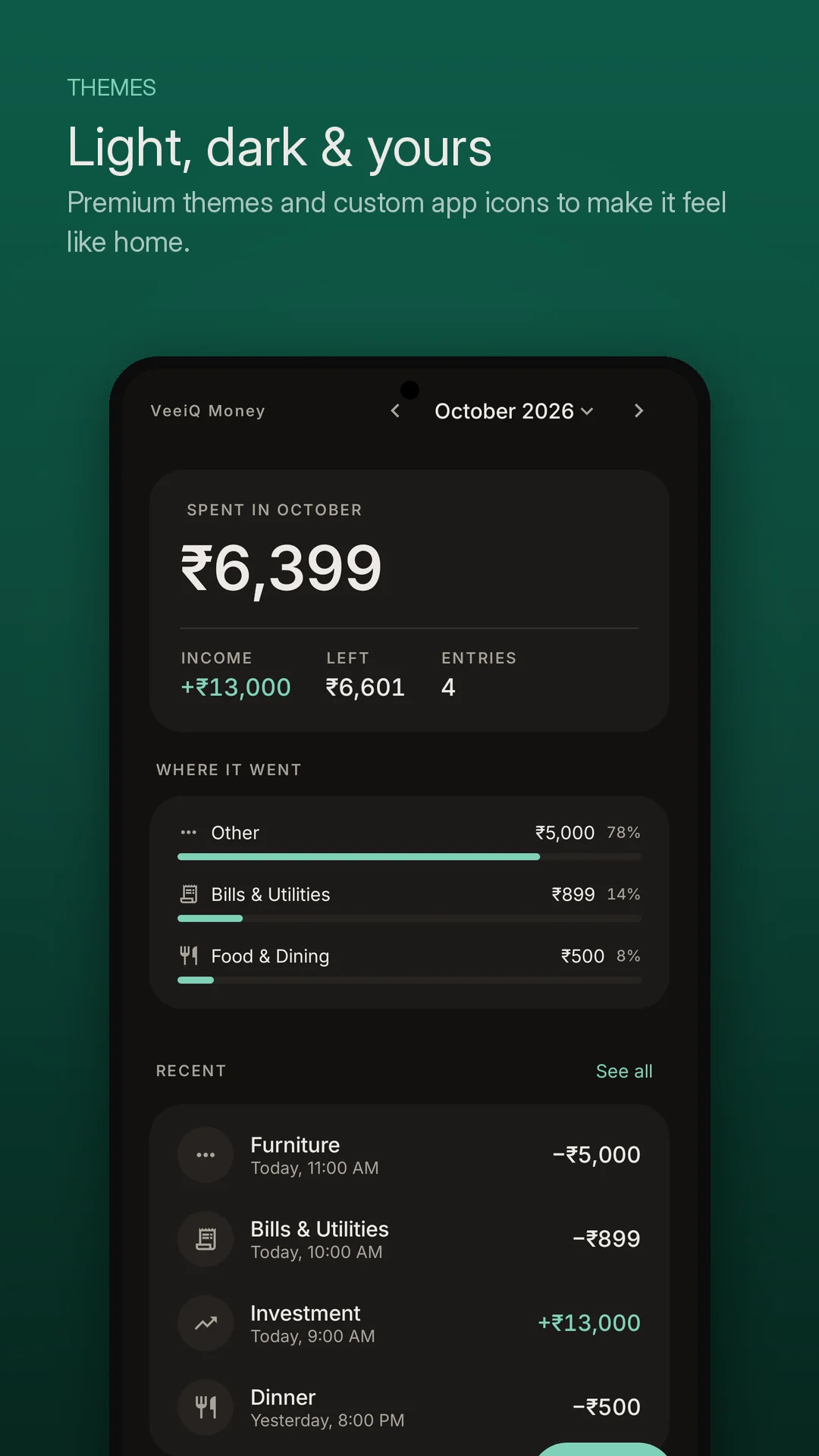
In Plain Words Summaries Conversational analysis explaining spending velocity and trends instead of confusing graphs.
-
✔
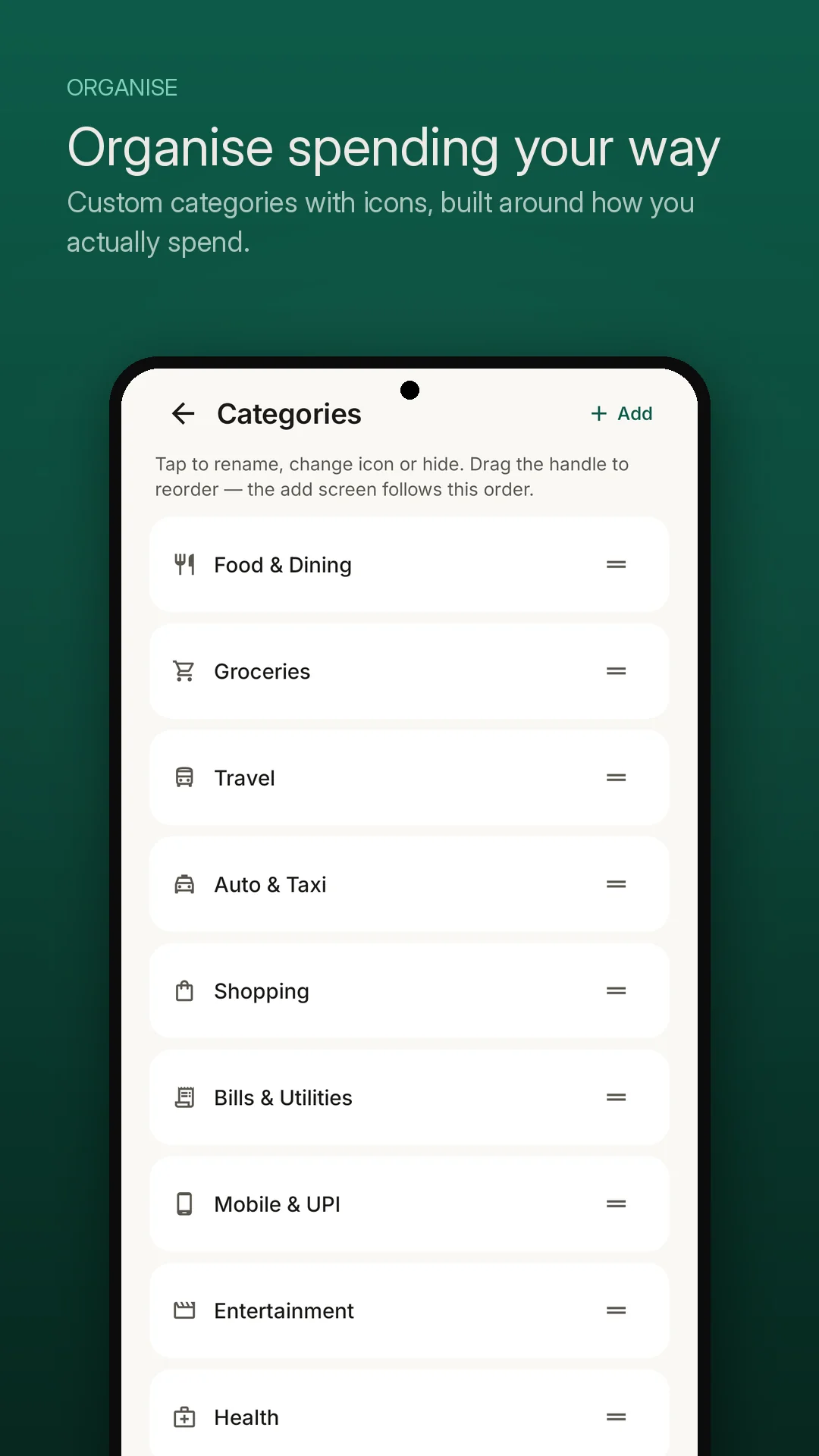
Organise Your Way Custom categories, distinct icons, and drag-and-drop ordering for lightning-fast entry.
-
🔒
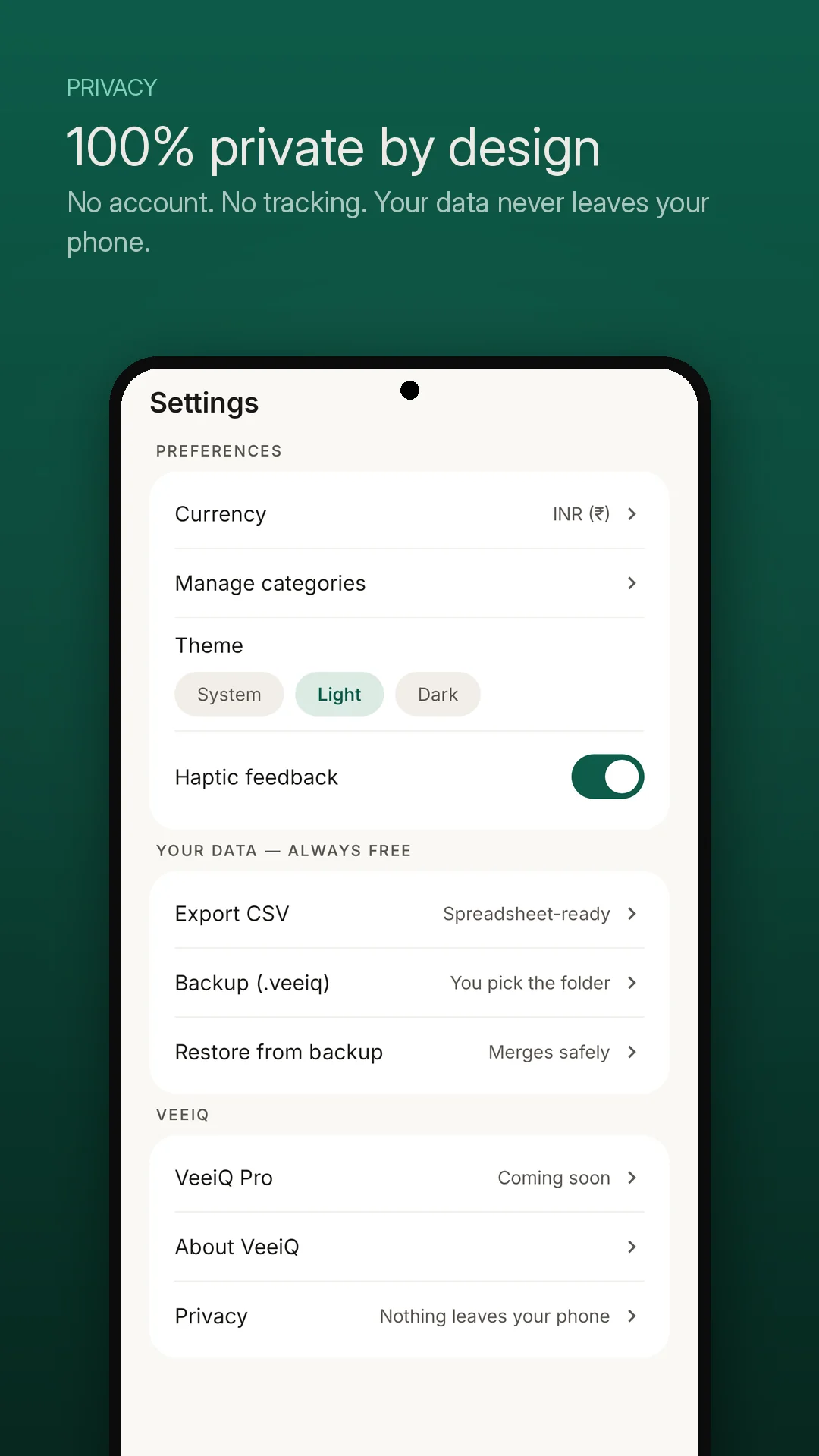
App Privacy Policy Local data storage, CSV export, and user-controlled backups.
Interface Walkthrough
Designed for Fast, Private Money Management
Features
Built for Intentional, On-Device Control
⚡ 5-Second Fast Entry
Logging money should take seconds, not minutes. An on-screen custom keypad, instant Expense/Income toggle, and prominent category pills let you log coffee or groceries before leaving the checkout counter.
💬 In Plain Words Insights
Complex pie charts don't build financial intuition. VeeiQ Money generates conversational monthly summaries: spending velocity per day, comparison with last month, and practical highlights of where your money actually went.
🖊️ Drag & Reorder Categories
Every person's financial routine is unique. Create unlimited custom categories, assign colorful visual icons, and drag priority categories to the top so your most common expenses take a single tap.
🔍 Instant Search & Swipe Actions
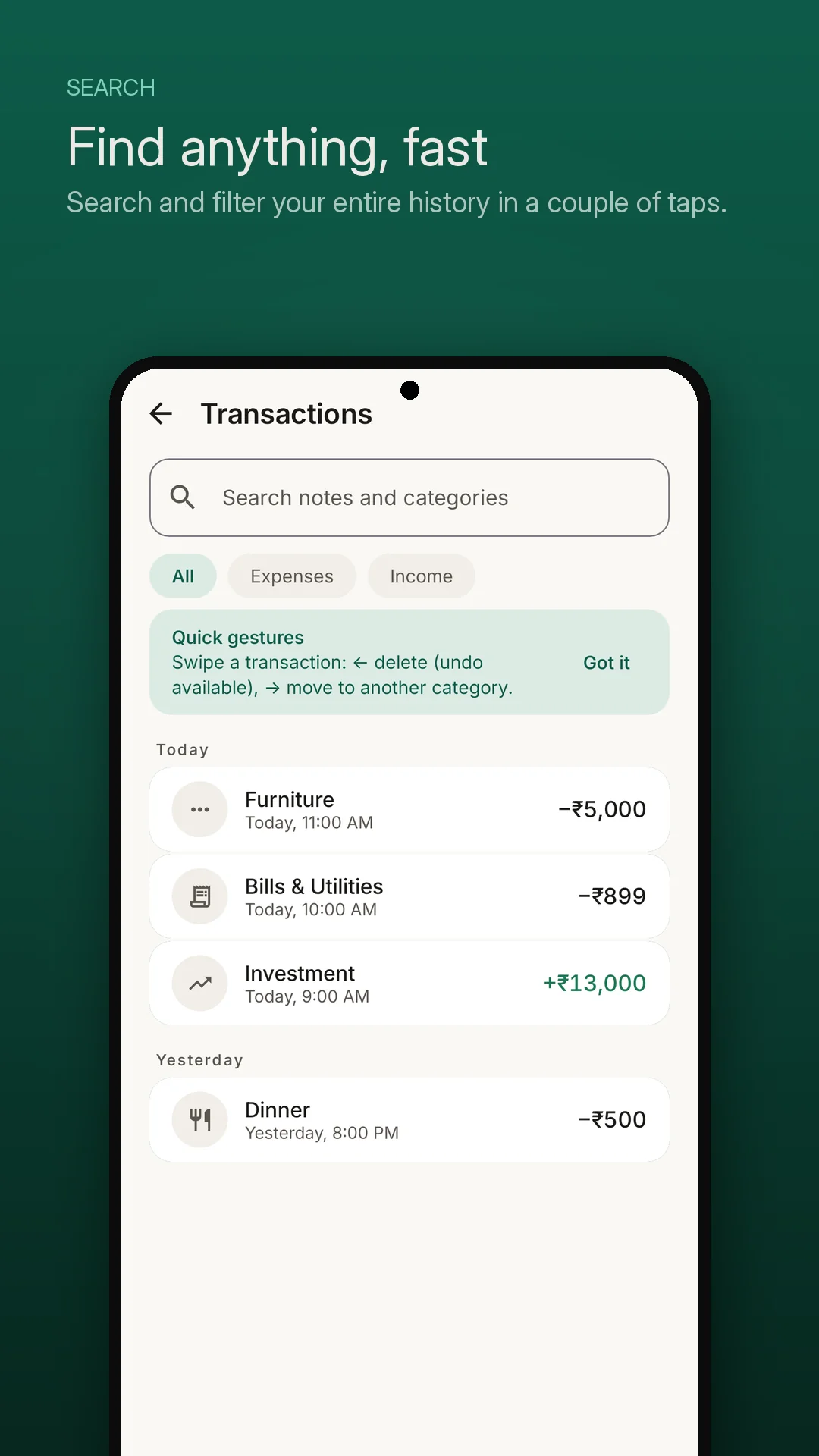
Locate any past bill or receipt note in milliseconds. Filter by All, Expenses, or Income. Fluid swipe gestures let you delete mistyped entries with instant undo or recategorize records on the fly.
💾 CSV Export & Local Backups
Create or restore a local .veeiq backup using Android's file picker. Export transactions to CSV for use in spreadsheet applications.
🌙 Dark Mode & Currency Options
Choose a theme and select your preferred currency.
A Simpler Approach to Expense Tracking
VeeiQ Money vs. Cloud-Synced Trackers
Expense trackers differ in how they handle privacy, syncing, and convenience. VeeiQ Money is designed for simple, private expense tracking.
| Feature | Typical Cloud-Synced Approach | VeeiQ Money Approach |
|---|---|---|
| Bank Connectivity | Automated sync via third-party financial data providers | No bank connection — expenses and income are logged manually |
| SMS Access | Some apps request SMS permissions to parse transaction texts | No SMS access — zero SMS permissions requested |
| Data Storage | Stored and synchronized across remote cloud servers | Local storage — records remain on your device |
| Network Dependency | Requires internet connectivity for cloud sync and account updates | Offline-first — core features work without internet access |
| Data Export & Backup | Export options and formats vary by provider | User-controlled — standard CSV export and local .veeiq backups |
| User Account | Account registration required to access cloud services | No account — start using the app immediately upon install |
Frequently Asked Questions